
Income Tax Filing
ITR Computation: How to Download ITR Computation Pdf Online
ITR Computation: Meaning & How to Download ITR Computation Pdf Online When banks, NBFCs or visa officers ask…
 Vikash Kumar
·
18/04/2025
·
3 min read
Vikash Kumar
·
18/04/2025
·
3 min read

Filing your Income Tax Return (ITR) is not complete until you verify it. If you’re wondering how to verify ITR using ITR-V or how to verify ITR offline, this guide will walk you through every step. Verifying your ITR is crucial—if you don’t verify it, the department will mark your return as invalid, and you won’t get any refund. Let’s explore the offline verification process in detail.
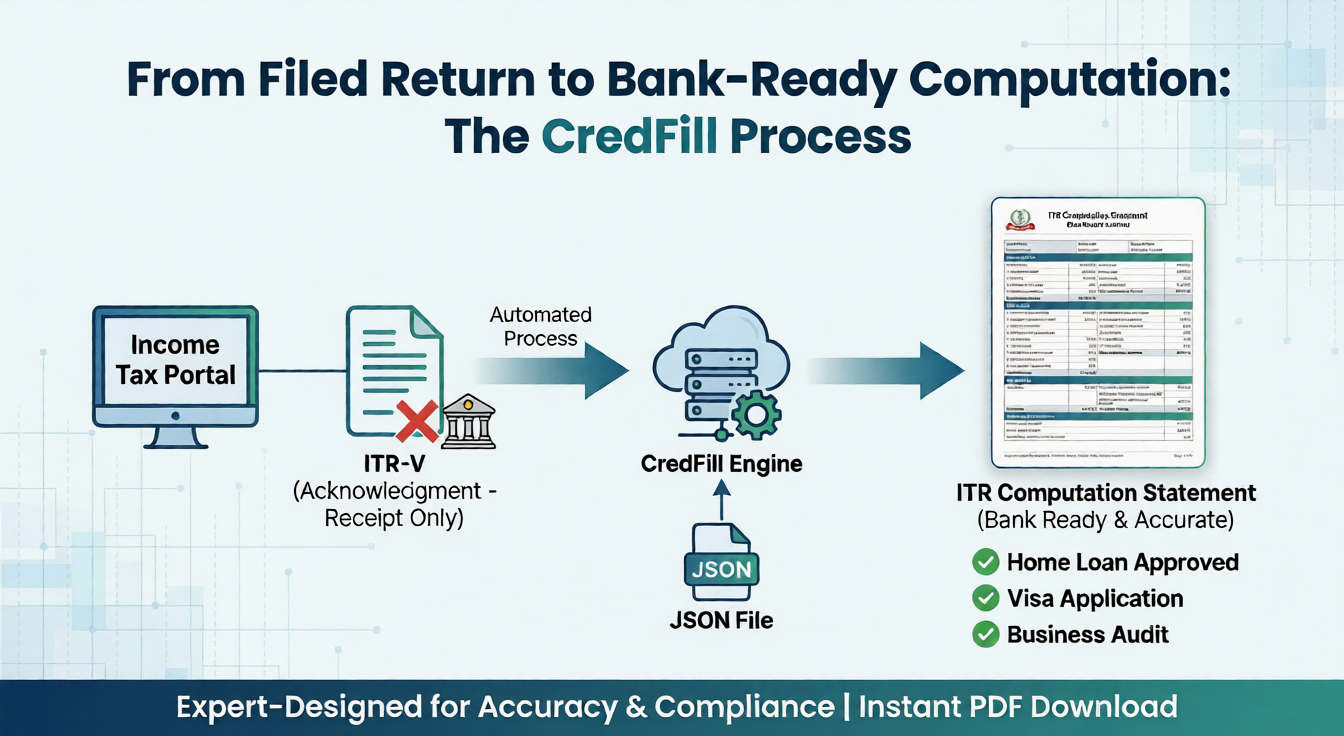
ITR-V stands for ‘Income Tax Return – Verification’ form. It is a single-page document generated when you file your ITR online without using a digital signature. The income tax department sends ITR-V to your registered email, or you can download it from the e-filing portal. You can verify electronically or send a signed physical copy of ITR-V to the Centralized Processing Centre (CPC) in Bengaluru.
1. Download Your ITR-V
2. Print and Sign the ITR-V
3. Prepare for Dispatch
4. Send to CPC, Bengaluru
Centralized Processing Centre, Income Tax Department, Bengaluru – 560500, Karnataka, India5. Track Your ITR-V Status
Verifying your ITR is the final and essential step to complete your tax filing process. If you opt for the offline method, make sure to download, sign, and send your ITR-V to CPC, Bengaluru within 30 days. Need help with your ITR verification or have questions about the process? Chat with us now on WhatsApp for instant support, or book our professional ITR filing services through our website.


Writer at CredFill.
Stay ahead of tax and compliance updates. Join over 2,500+ business owners and professionals who receive expert insights and actionable tips every week.